

Inbox Triage
Who needs to surf Netflix for a scary movie when all you have to do is open your inbox! Let’s begin!
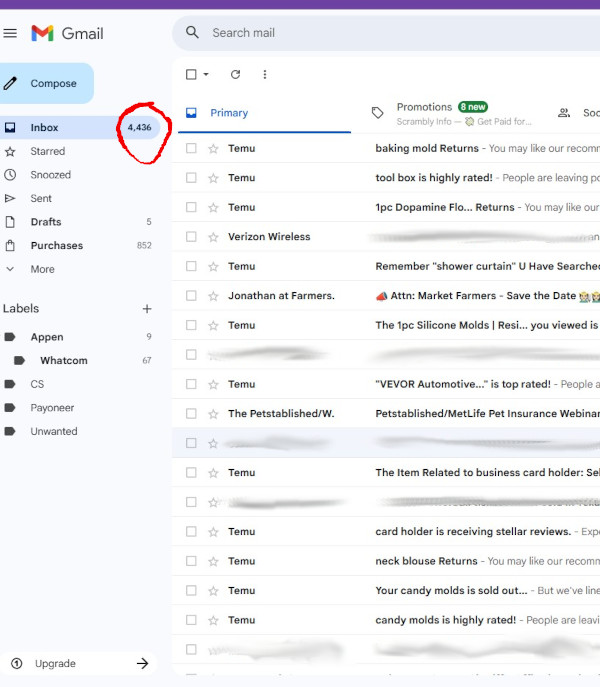
This is the ghoul at first glance. As you can see, there are 4436 emails in the inbox. But wait…..
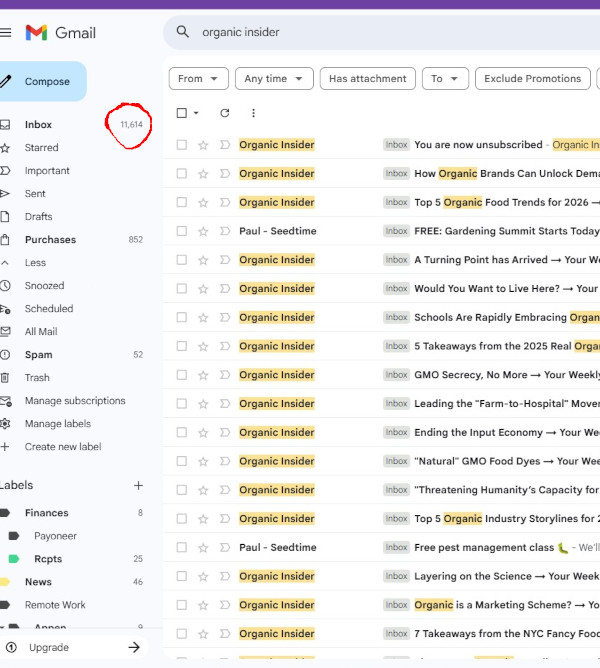
Using the All mail link opens up the archive and now it’s really terrifying. Now we have 11,614 emails that need to be cleaned.
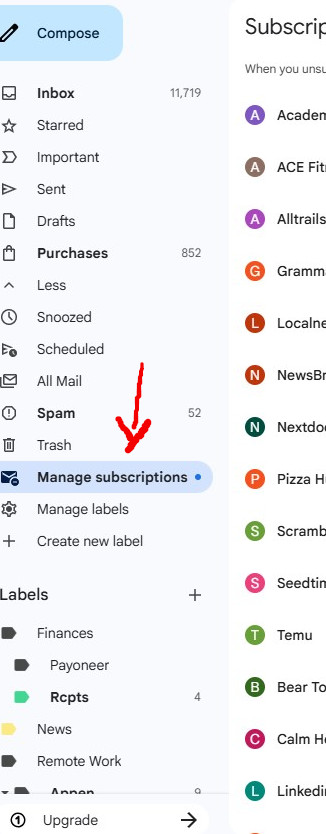
The first place I started was opening the Subscriptions tab. Yikes! I had to unsubscribe to over 300. There was page after page. Many of the unsubscribe links took me to the websites. Then I did a search for all emails of the senders address and started deleting. This is probably what took the most time. Luckily for me, some of the worst contenders could be eliminated in large chunks. Temu had over 3000, Dominos and Grammarly were next with close to 1000, and the numbers trickled down from there.
Then I started making labels for the “keepers” and asked how long they wanted to keep them. Filters were set in place to strategically work with the labels for auto-sorting. This was no longer a business account so only one additional inbox was set for important starred items.
This is the newly zeroed inbox when it was completed. I left one older email to show you how it got filtered into the Important inbox on the right. I forgot to get a screenshot of the archive, I left about 140 in there spanning the previous 12 months.
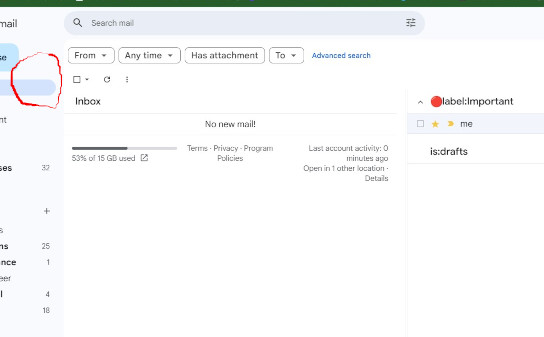
3 days later I checked it and this is how it looks. Great! We will let it go longer.
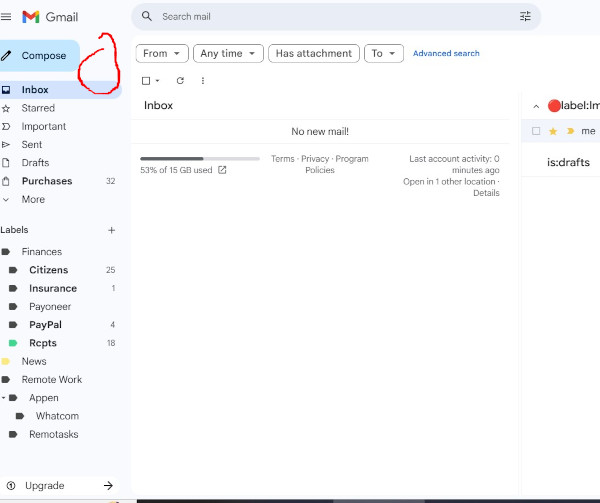
Around 30 days I took another look. Items that are supposed to be routed are being routed, I still have the one important one in the important inbox. Now, on the archive.
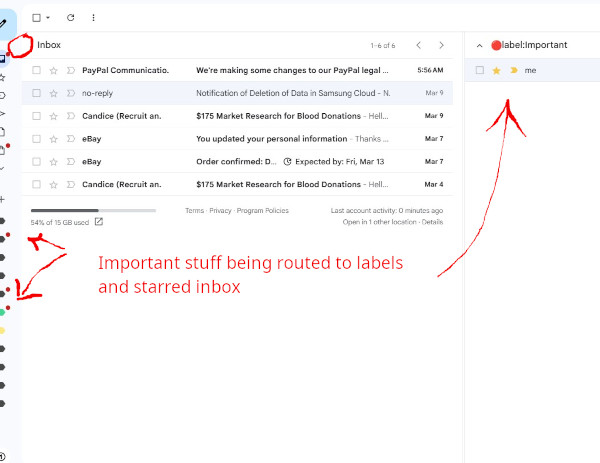
The archive has almost 70 more emails in it which is how everything that doesn’t need to go to inboxes or filters should be routed. I just had to toss 3 things when I first opened it up and unsubscribe. Unsubscribed emails don’t always get unsubscribed, it may take a couple times, or just have it routed to the trash.
One tip you want to keep in mind when applying filters, you don’t want 500 filters or it will bog your email down.
So, to coin a well known phrase from Capitol 1, “what’s in your inbox?”.