
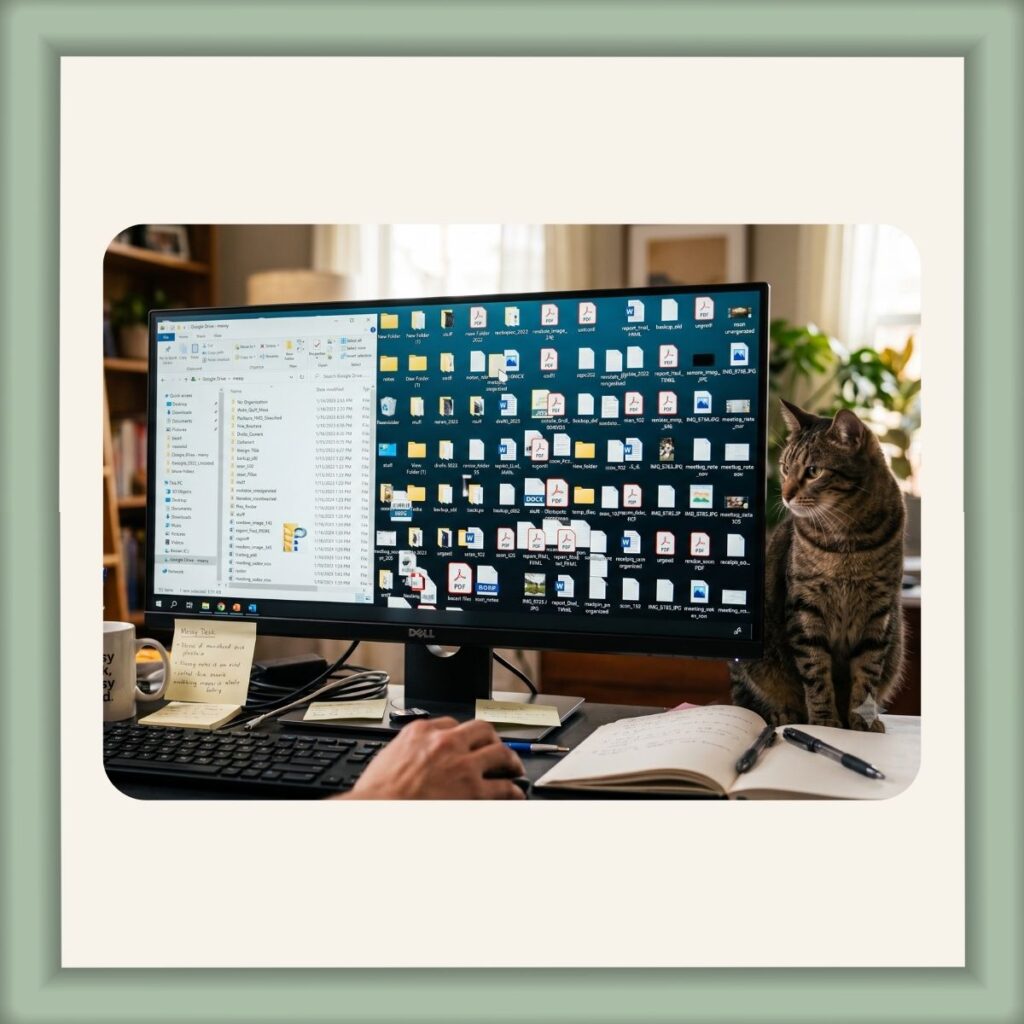
The system that works for you, might lose your virtual assistant completely.
We all know someone, who’s desk is a complete mess. You ask them for something and without pause, they reach down and grab it out from under a small pile, or out of a drawer full of stuff, smiling. Or… you tried to be nice and tidy their desk up, only to have them return, then you watch their face drain of color as they cry about how they knew where everything was and now they would have to start over.
Drives and file names are actually quite personal. I’ve worked in an environment where everything led with a date. I wasted a lot of time hovering over the date so I could read the rest of the file name.
Here’s a distinction that changes everything:
Folder tiers should be standard. File names should be personal.
Your top-level folders, Clients, Marketing, Finance, Compliance, Operations, stay consistent. Simple enough that anyone, including a VA helping you, can navigate without asking questions.
But file names? Those should match how you search.
When you go looking for something, what’s the first word that pops into your head?
Some people think in dates. “That was from March…” Date goes first. Others, like me for example, think in topics. I’m lucky to recall yesterdays date, so, when I’m looking for a newsletter, I’m not thinking April 14th. I’m thinking Newsletter and a topic word or two. So topic goes first, date follows, if I even use a date.
Neither is wrong. But using someone else’s system in your own Drive or not having a system at all, is how you end up opening six files before finding the right one.
A good VA asks before they organize. The answers shape everything, because the goal isn’t a pretty folder structure. It’s that you can find what you need quickly before the sweat starts to creep in under the collar.
Next post: the practical side, naming conventions, labels, and how to audit what you already have.


Julie Mathews
Virtual Assistant
Calm Over Chaos Virtual Office
juliemathews@calmoverchaosvirtualoffice.com